PCG Road Tool
Gameplay
Links

Features & Technical Breakdown
Key Features
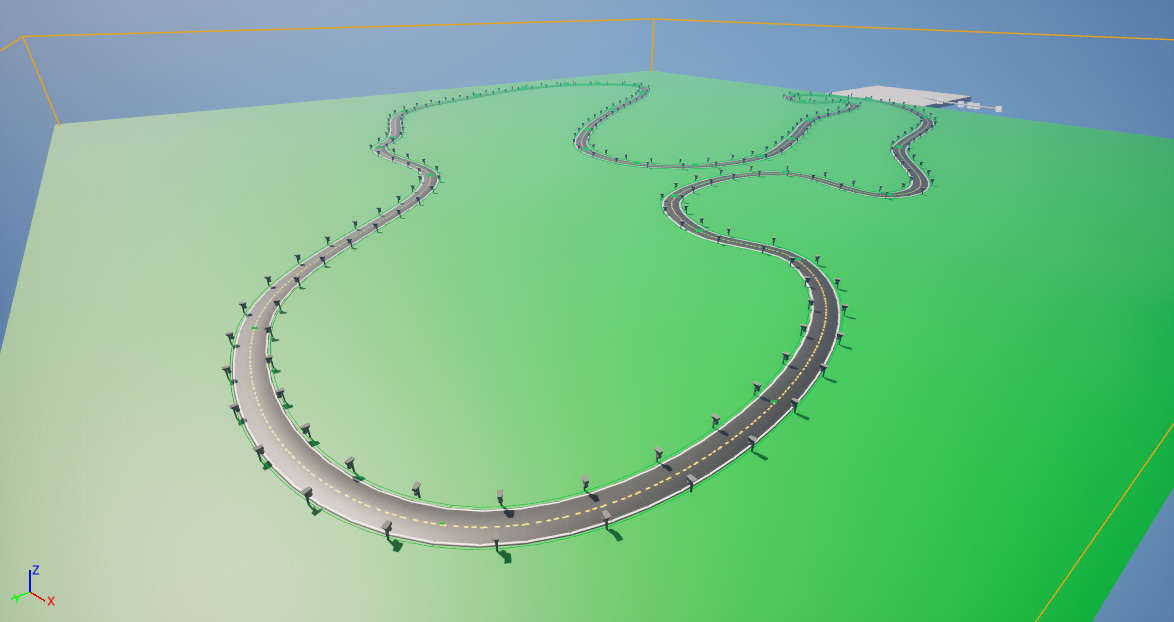
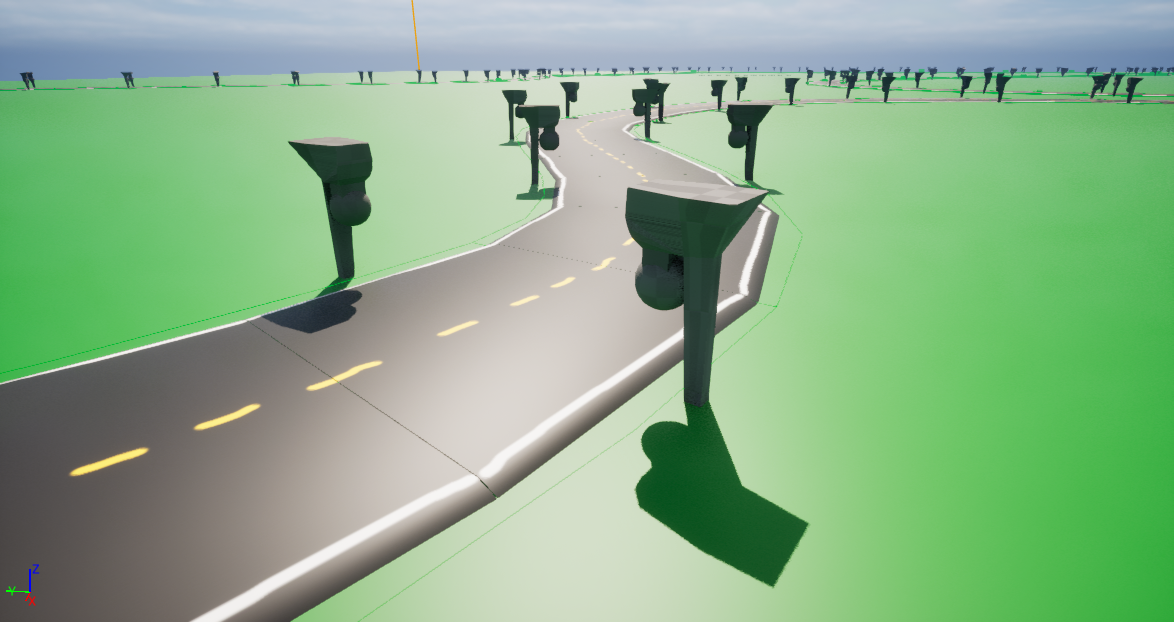
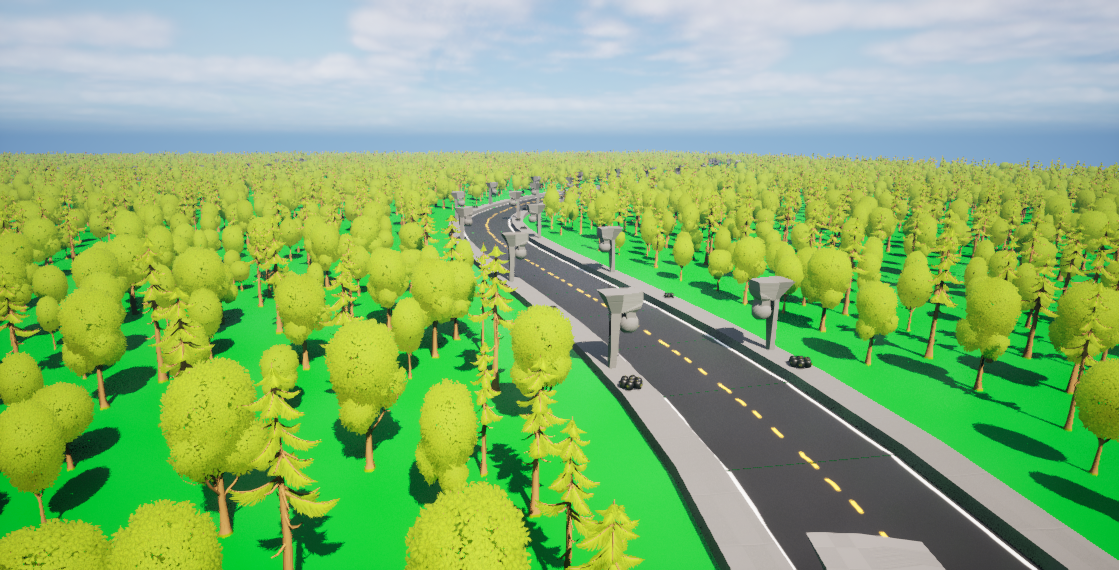
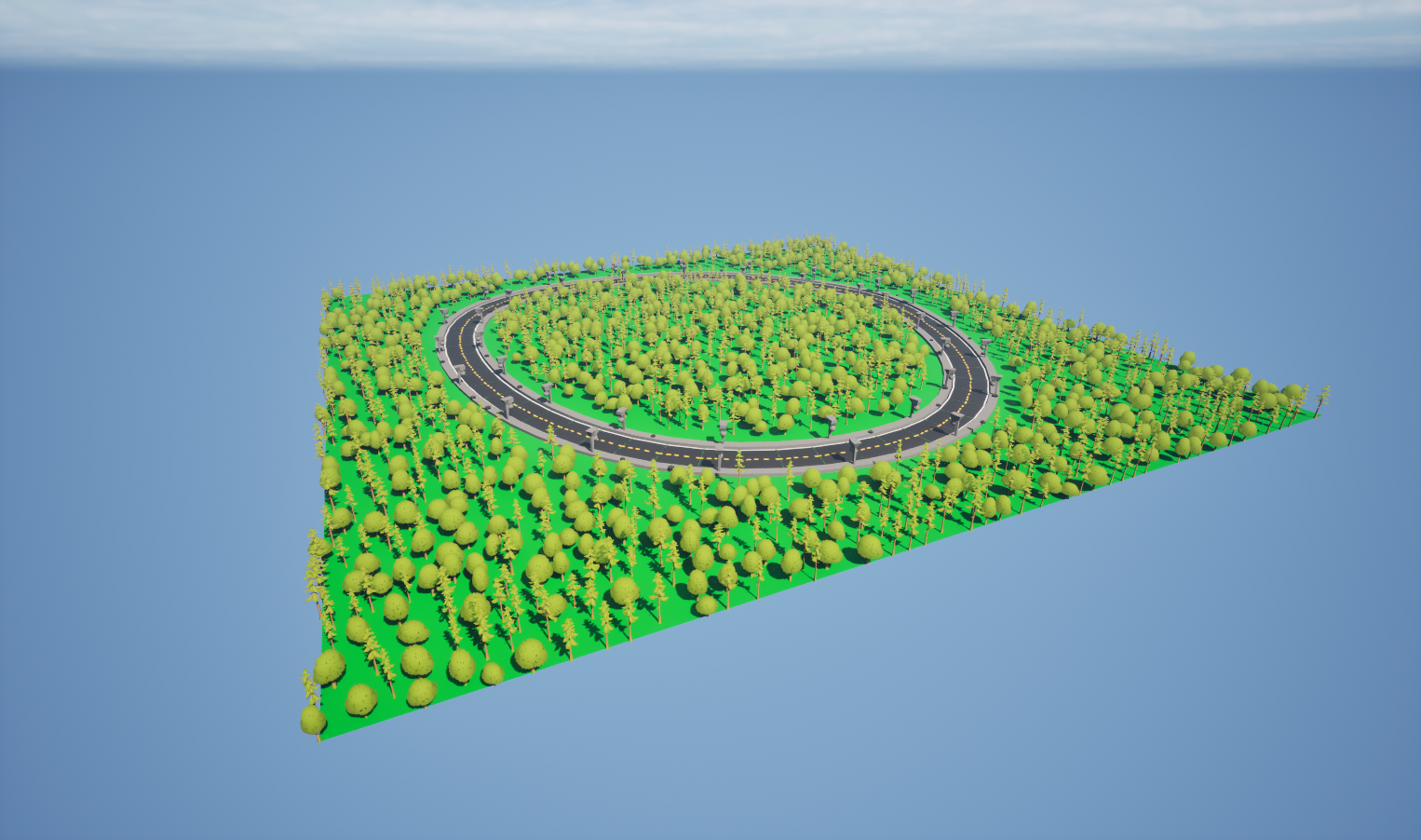
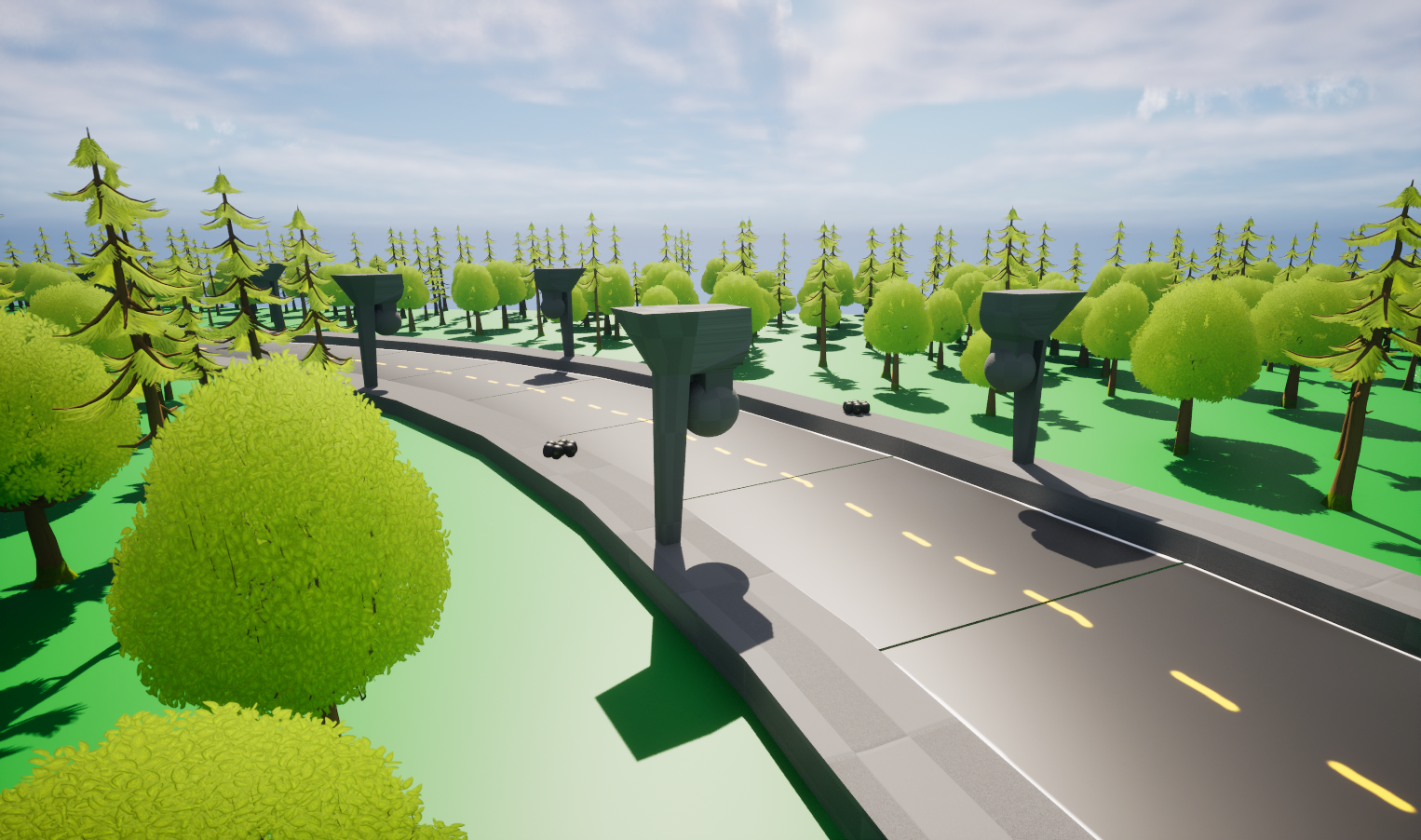
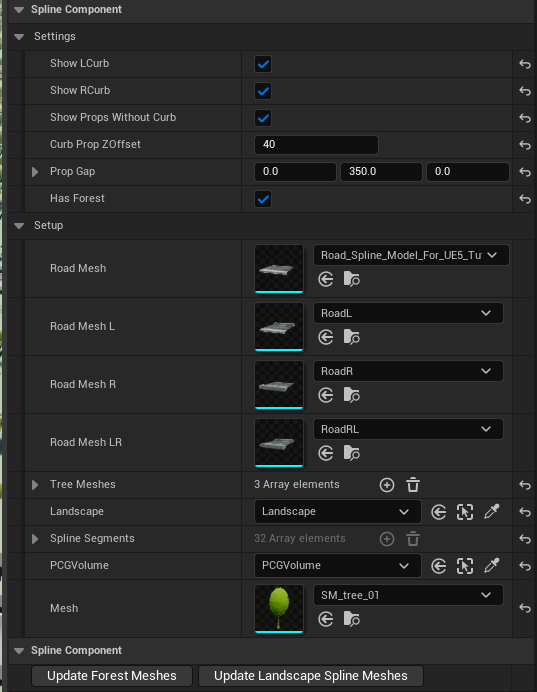
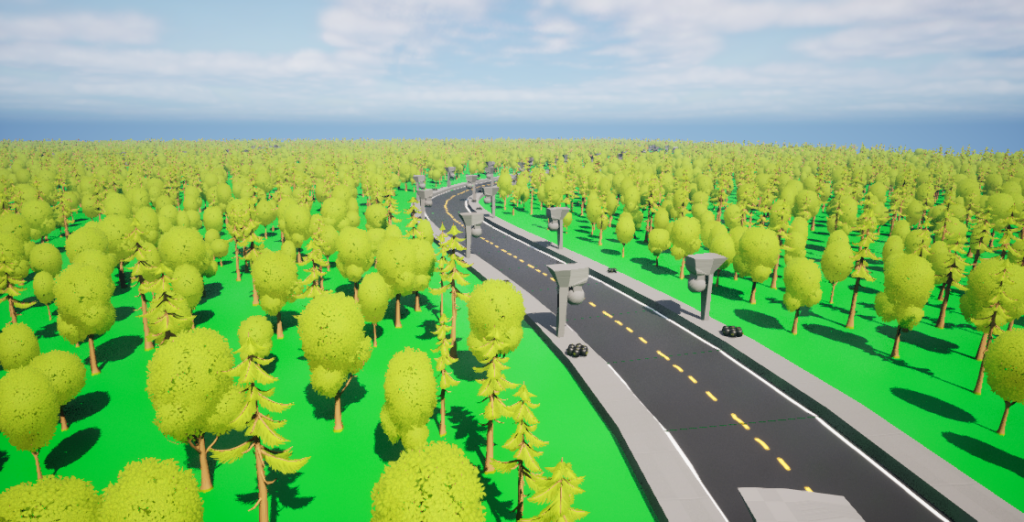
~~ Road Generation ~~ • Generated complete road layouts from user-defined splines. • Supported modular road meshes and configurable visual variations. • Integrated directly with Unreal Engine's landscape system. ~~ Procedural Environment Generation ~~ • Generated surrounding foliage using Unreal Engine's PCG framework. • Populated roadside areas with configurable props and decorative assets. • Supported randomised placement, while maintaining consistent world composition. ~~ Designer Workflow ~~ • Centralised tool configuration through a single manager Blueprint, reducing setup complexity and improving usability. • Exposed modular parameters for meshes, foliage, props, and generation behaviour. • Included comprehensive documentation and user guidance. ~~ Technical Architecture ~~ • Developed core tool functionality in C++. • Exposed designer-facing parameters through Blueprint, enabling rapid iteration without code changes. • Leveraged Unreal Engine's PCG framework for procedural generation.
Technical Challenges
~~ Challenge: Integrating Splines with PCG ~~ The road system needed to combine Unreal Engine's spline tools with procedural generation workflows. To achieve this, I developed a manager system in C++ that interpreted spline data and used it to drive both mesh placement and PCG generation, ensuring roads, props, and foliage remained synchronised throughout the level. ~~ Challenge: Designer-Friendly Tooling ~~ The primary objective of the tool was to support designers rather than programmers. To streamline workflows, all key functionality was exposed through configurable parameters, allowing users to customise meshes, foliage types, roadside props, and generation behaviour without modifying code. ~~ Challenge: Procedural Environment Placement ~~ Roadside environments needed to appear natural while remaining performant and predictable. Using Unreal Engine's PCG framework, I developed generation rules that analysed the space surrounding spline paths and populated the environment with foliage and props while respecting road boundaries and placement constraints.
Results
• Successfully developed a functional procedural road generation tool in Unreal Engine 5. • Reduced road and environment creation to a spline-based workflow. • Integrated procedural foliage and roadside prop placement using PCG. • Produced supporting documentation and user guides for designers. • Open-sourced the project on GitHub.
Gallery