Dissertation
Gameplay
Features & Technical Breakdown
Gameplay Systems
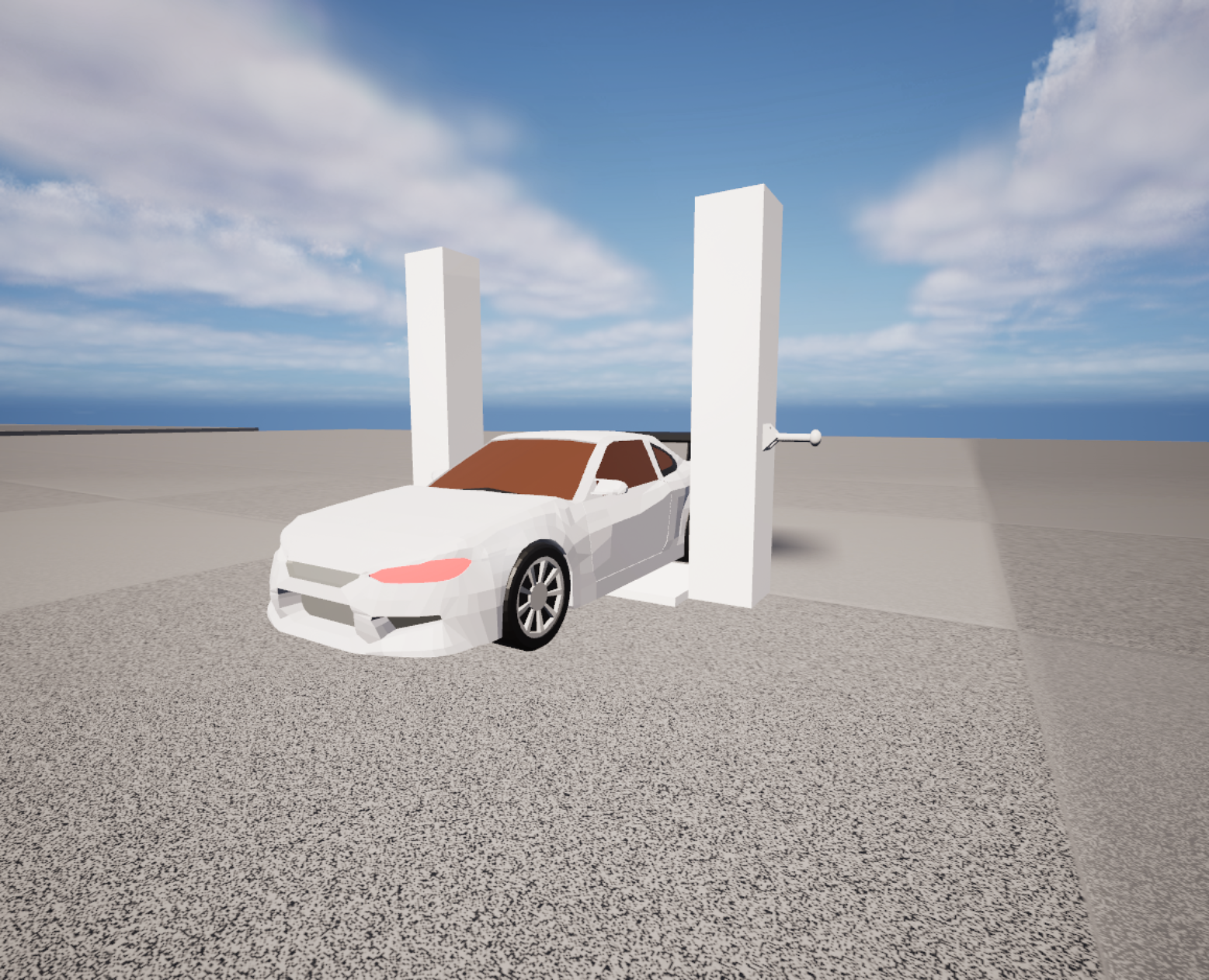
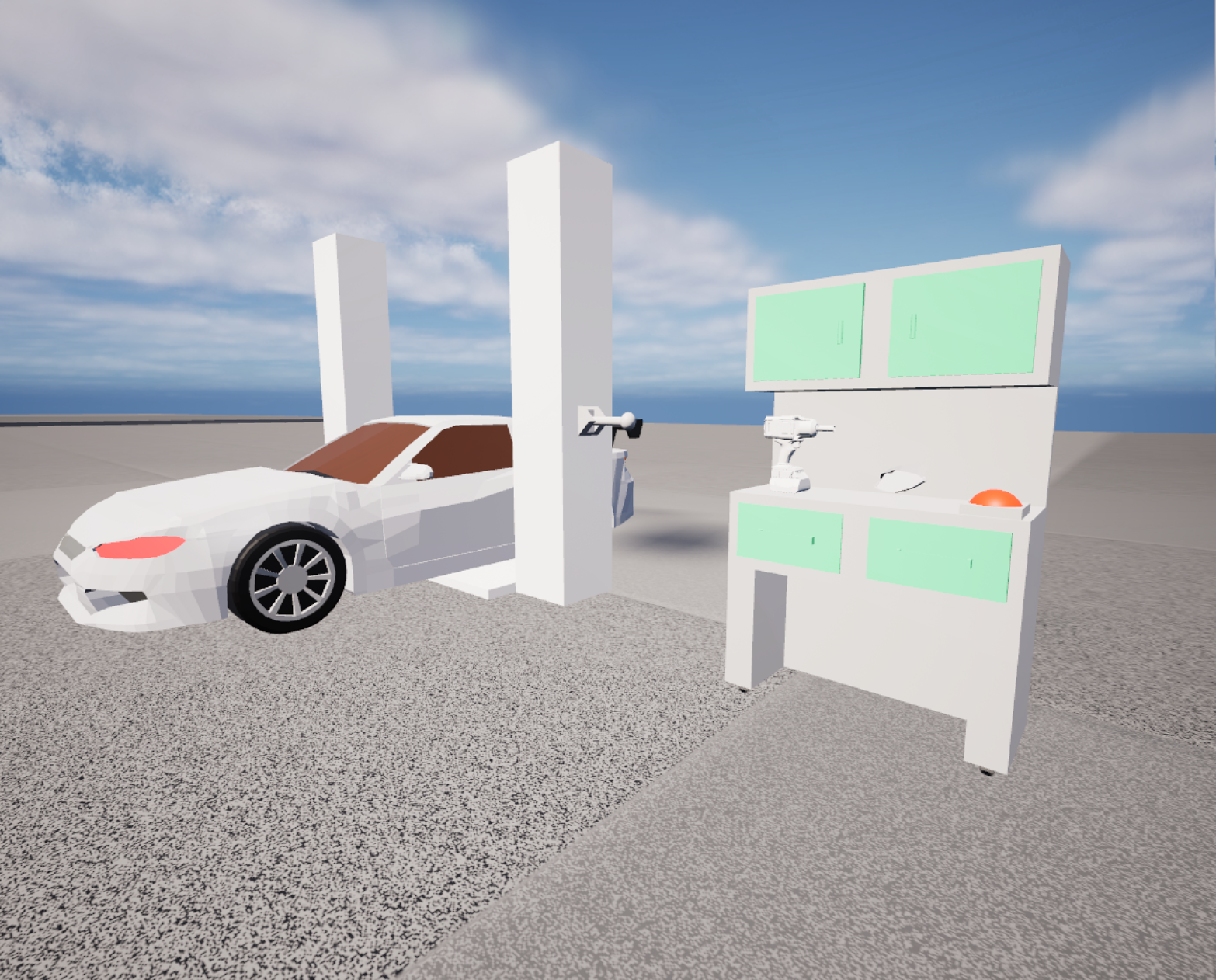
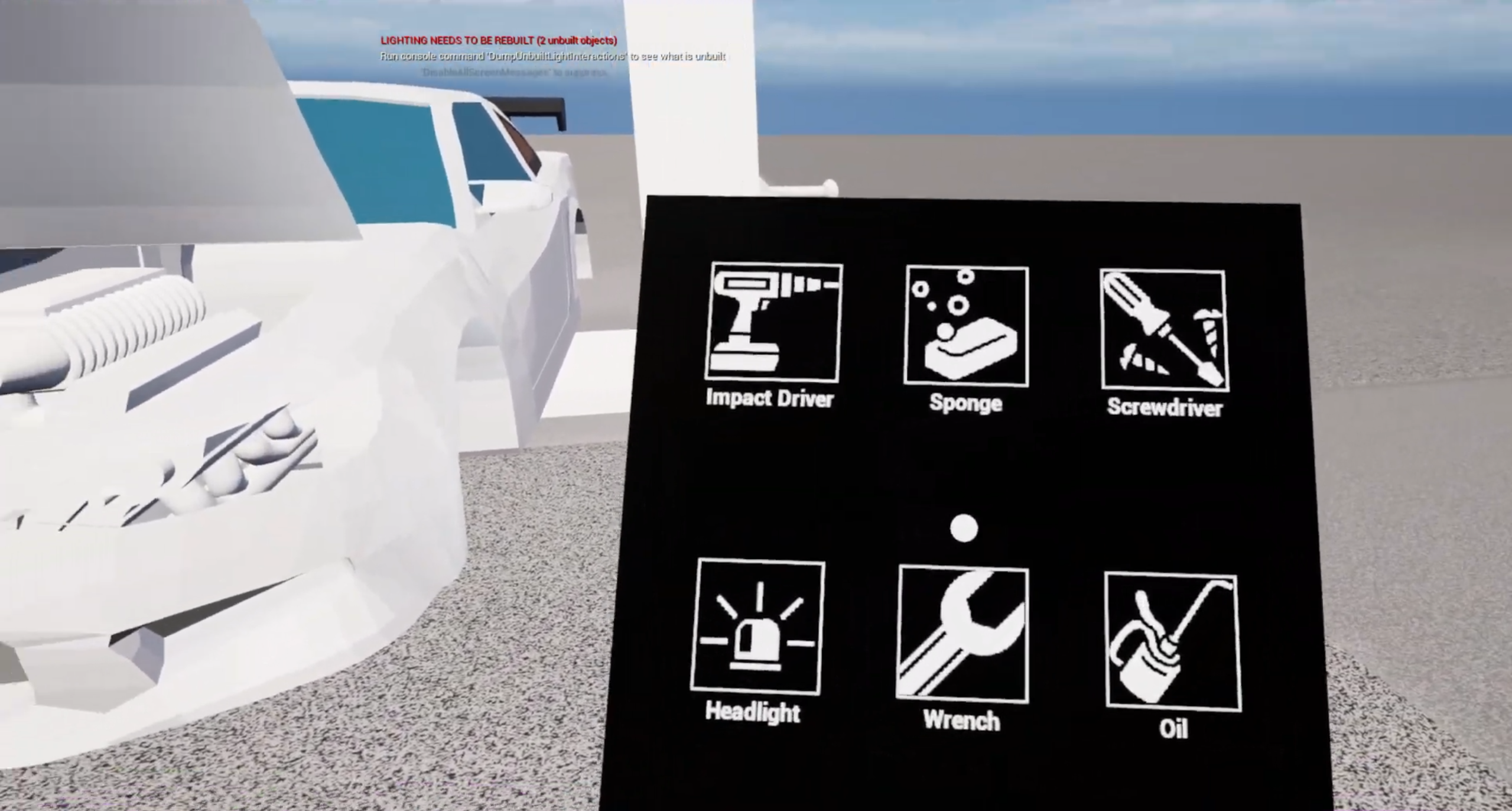
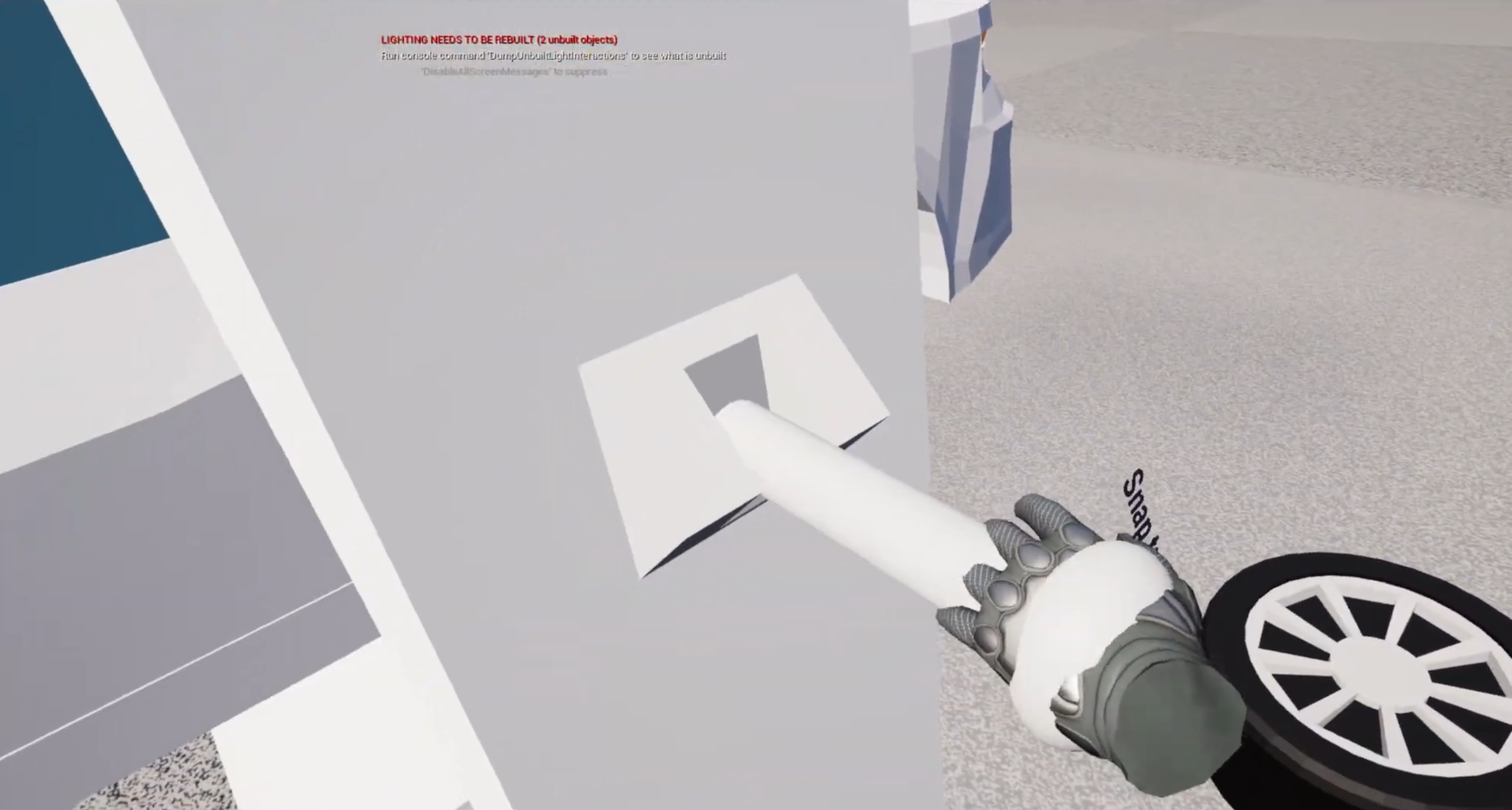
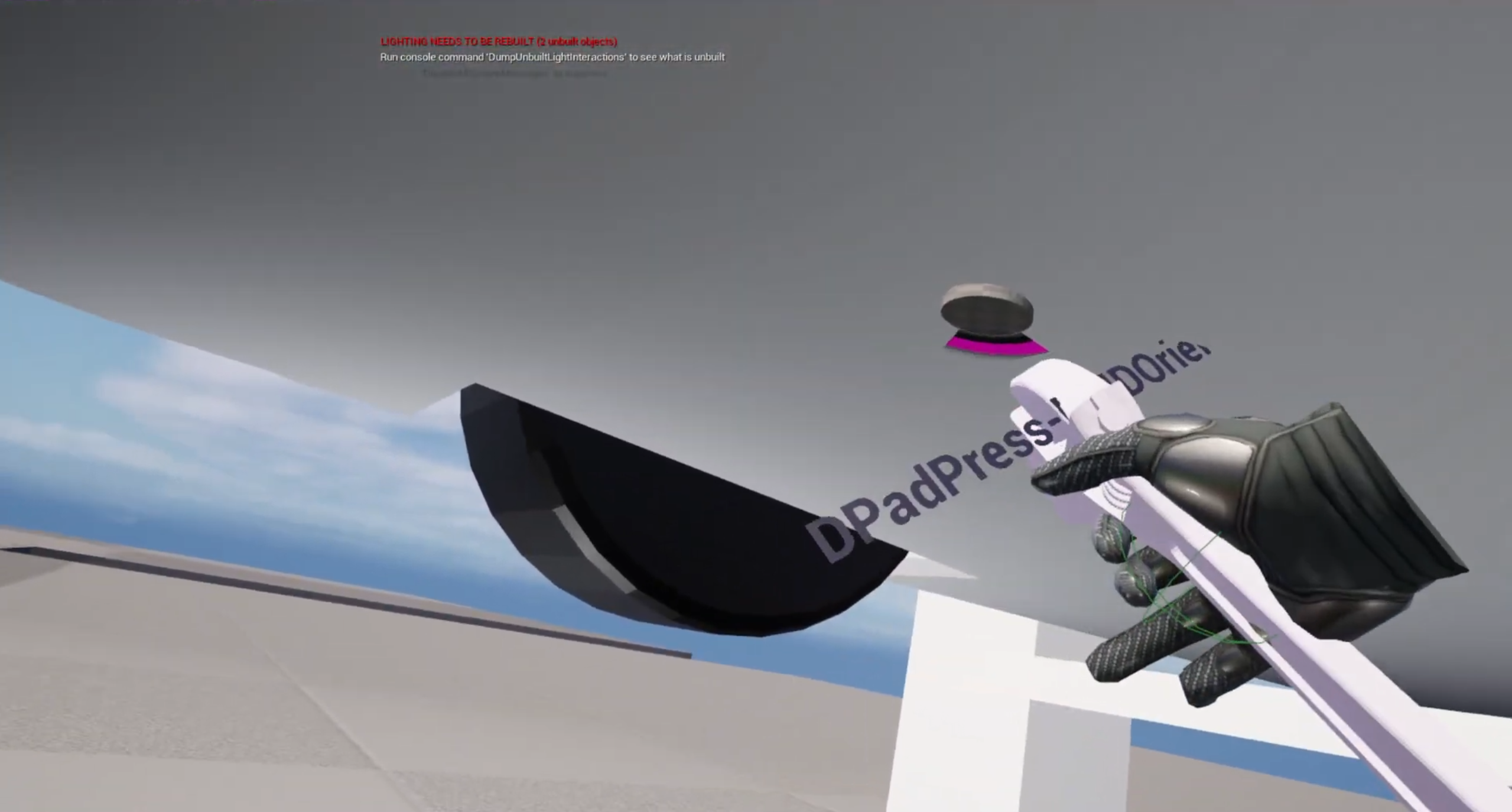
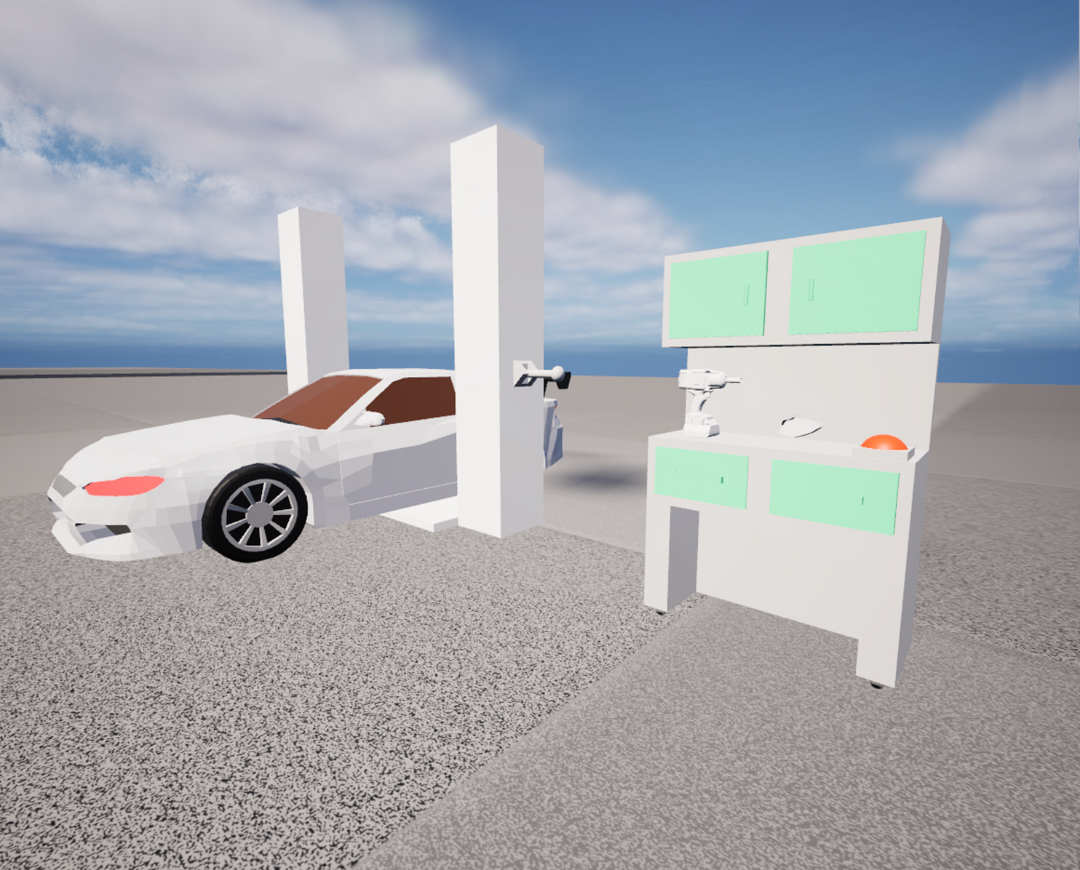
~~ VR Interactions ~~ • Developed two fully functioning inventory systems for comparative testing. • Implemented object interaction, in-game tool handling, and task progression systems. • Designed and implemented a complete VR car maintenance gameplay loop. ~~ Task Progression ~~ Participants completed a series of vehicle maintenance activities designed to require frequent tool usage: • Wheel removal • Window cleaning • Oil drainage • Oil replacement • Headlight replacement This task structure ensured both inventory systems were exercised repeatedly throughout testing. ~~ VRE Plugin ~~ To enhance VR interaction quality, I integrated the VR Expansion Plugin, extending the capabilities of Unreal Engine's default VR template and improving object interaction fidelity. ~~ Inventory Implementation ~~ • Developed a base tool system to interact with the main car maintenance loop. • Implemented both a UI-based, and physical inventory system, each built around the same underlying tool framework to ensure consistent testing conditions.
Technical Challenges
~~ Challenge: Experimental Consistency ~~ The project required two fundamentally different inventory systems to provide identical functionality, while maintaining their distinct interaction methods. To ensure a fair comparison, both systems were designed around the same gameplay tasks and toolset, allowing differences in player experiences to be attributed to the inventory design instead of gameplay variation. ~~ Challenge: VR Interaction Design ~~ Unlike traditional games, VR interactions require players to physically manipulate objects within a three-dimensional space, generally using some form of physics. To support this, I implemented physics-based interactions and leveraged the VR Expansion Plugin to improve object handling, player comfort, and interaction reliability throughout the experience. ~~ Challenge: Controlled User Testing ~~ Due to the application being used for academic research, every participant needed to experience the same tasks under the same conditions. I designed the gameplay loop as a controlled sandbox environment, ensuring all participants completed identical maintenance tasks regardless of which inventory system was being evaluated.
User Testing and Research
• Designed a controlled testing environment for participant studies. • Collected and analysed questionnaire data from user testing sessions. • Evaluated immersion, usability, engagement, and player preference across both inventory systems.
Results
• Successfully developed and evaluated two complete VR inventory systems. • Conducted testing and questionnaire-based analysis. • Results indicated a strong preference for diegetic, physically integrated inventory design. • Achieved a First-Class grade as my undergraduate dissertation project.
Gallery